

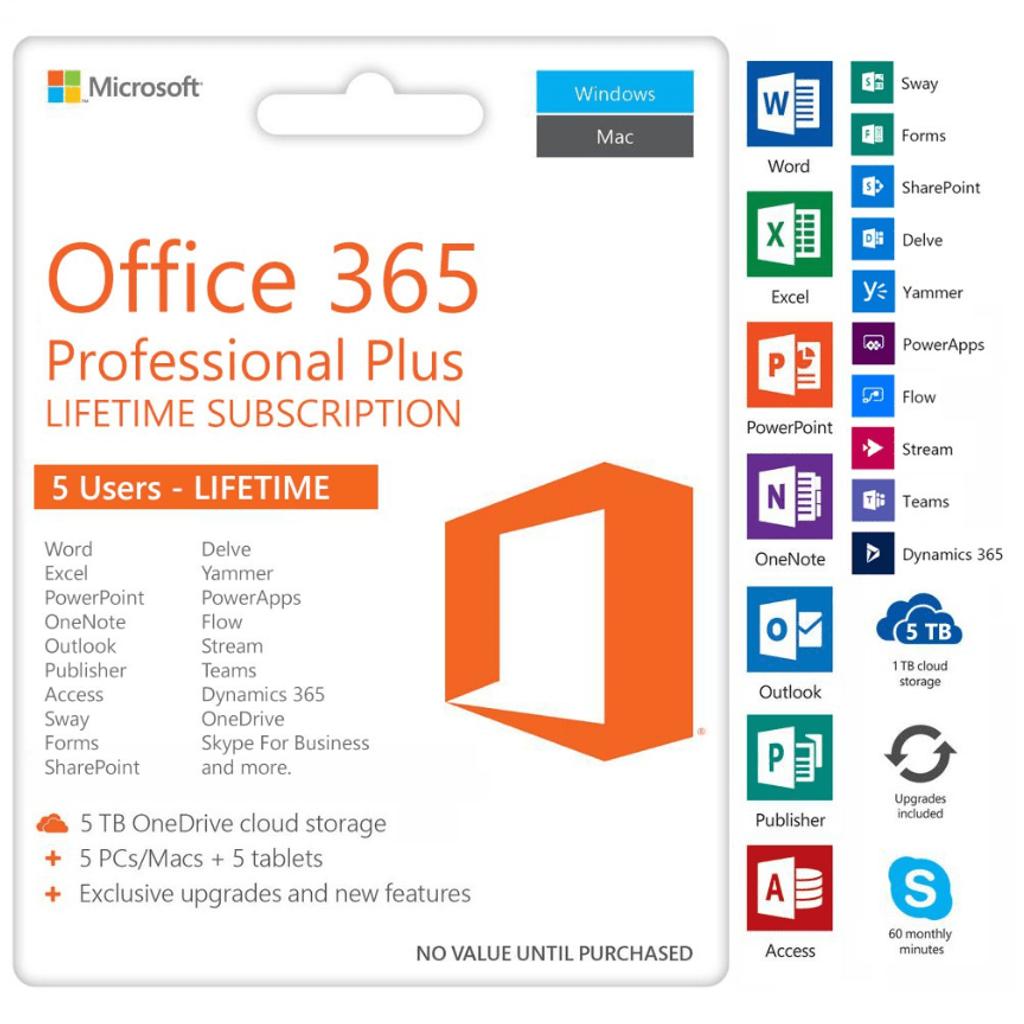
Microsoft Office 365 Professional Plus Lifetime Subscription
This item does not contain a disc; it is a digital download only. See steps involved below:
- You will receive an email in several minutes, the email contains the account details (random username account) and the download link.
- Remove your previously installed Office apps. (see the first step of How to install Office suites)
- If your PC/Mac wasn’t installed with any Office apps, skip this step.
- Open portal.office.com and use the account from the email given to login, change to your own password. (Remember the password you set, once forget cannot reset anymore)
- Install Office Apps.
Fully installed Office applications
Always have the latest, fully installed versions of Word, Excel, PowerPoint, OneNote, Outlook, Publisher, and Access and capture your ideas however you work best—using a keyboard, pen, or touchscreen.

Work across multiple devices
Get the fully installed Office experience on 5 PCs or Macs, 5 tablets and 5 phones (including Windows, Apple®, and Android™ devices).Learn more about Office 365 mobile apps
Application availability and features vary by platform and device.
PC: The latest versions of Office apps including Word, Excel, PowerPoint, OneNote, Outlook, Publisher, and Access. Windows 7 or later required. Tooltip with information about 2-in-1 Windows devices Learn more about Office on Windows
Mac: The latest versions of Office apps including Word, Excel, PowerPoint, Outlook, and OneNote. Office 2016 for Mac requires Mac OS X 10.10.
Windows tablet: The latest versions of Office apps including Word, Excel, PowerPoint, OneNote, Outlook, Publisher, and Access. Windows 8 or later required. Office Mobile applications (Word, Excel, PowerPoint, and OneNote) require Windows 10.
Windows phone: Office Mobile applications (Word, Excel, PowerPoint, OneNote, Outlook Mail, and Outlook Calendar) require Windows 10.
iOS: Office for iPad® and iPhone® requires iOS 8.0 or later. Office for iPad Pro® requires iOS 9.0 or later.
Android: Office for Android™ can be installed on tablets and phones that meet the following criteria: running Android KitKat 4.4 or later version and have an ARM-based or Intel x86 processor.
Some of the mobile apps for iOS and Android have extra features with an Office 365 subscription. For more information about the features, visitwww.office.com/information.

Office for the whole household
Share your subscription benefits, such as easy installation on your household devices and extra online storage.

Access from anywhere
Get 1 TB of OneDrive cloud storage per user, for up to 5 users. Use the storage for documents, photos, and videos, so you can edit and share them from anywhere, on all your devices.


Always up to date
With an active Office 365 edu license, you never have to worry about upgrading your Office, because you always have access to the latest Office applications, features, and services. Learn more 

Microsoft support
As an Office 365 subscriber, you can get help right away from Microsoft-trained experts, by phone or chat—at no extra charge.